

| Buying a new laptop in 2025 can feel like navigating a maze of technical jargon, flashy names, and overwhelming options. From “turbo-boosted CPUs” to “liquid-cooled thermal zones,” it’s easy to get lost in marketing speak. But here’s the truth: most users don’t need the most expensive model — they need the right one for their actual needs. In this updated, jargon-free guide, we break down the laptop specs that truly matter — so whether you’re a student, professional, gamer, or content creator, you’ll know exactly what to look for on your next device. Step 1: Define Your Use Case Before diving into specs, ask yourself: What will I use this laptop for? Here’s a simple breakdown: Basic Use (web, emails, docs): Lightweight and budget-friendly Work / Productivity (MS Office, multitasking): Mid-range specs with good battery Creative Work (photo/video editing, 3D design): High-performance CPU, GPU, and RAM Gaming: Dedicated GPU, high refresh-rate display, efficient cooling Students: Portable, all-day battery life, and reliable build Your purpose will determine what specs you need — and what you can skip. CPU (Processor): Brain of the Laptop The processor affects overall speed, multitasking, and performance. In 2025, these are your go-to options: Intel Core i5 / AMD Ryzen 5: Great for students and professionals (balanced power & price) Intel Core i7 / Ryzen 7: Ideal for content creators, gamers, and power users Apple M3 chip: Found in newer MacBooks — optimized, fast, and energy-efficient Avoid entry-level chips like Intel Pentium or Celeron unless you’re on a very tight budget Pro Tip: Don’t fall for “Turbo Boost” clock speeds alone. Focus on real-world performance and multi-core capabilities. RAM: Multitasking Made Easy RAM determines how many apps you can run smoothly at once. Here’s what you really need: 8GB: Minimum for most users (web, Office, streaming) 16GB: Recommended for productivity, gaming, or light creative work 32GB or more: For professionals editing video, 3D rendering, or working with huge files Pro Tip: Choose laptops with upgradable RAM if possible, for future-proofing. Storage: Speed > Size Forget traditional hard drives (HDD) in 2025 — Solid State Drives (SSD) are a must for speed, reliability, and boot times. 256GB SSD: OK for basic use or cloud-based work 512GB SSD: Ideal for most professionals and students 1TB SSD or more: Great for creatives, gamers, or storing large files locally Pro Tip: Go for NVMe SSDs over SATA SSDs if performance is a priority. GPU: Do You Really Need It? The Graphics Processing Unit (GPU) matters most for gaming and creative work. Integrated Graphics (Intel Iris Xe, AMD Radeon Vega): Good for browsing, streaming, basic tasks Dedicated GPUs (NVIDIA RTX 3050/4060, AMD RX Series): Needed for gaming, video editing, 3D modeling Pro Tip: Don’t pay for a dedicated GPU unless you need it. It adds cost and drains the battery faster. Display: Don’t Just Look at Resolution Your screen is what you’ll stare at for hours — it deserves attention. Size: 13”–14” for portability, 15” + for workspace and multitasking Resolution: Full HD (1920×1080) is the baseline; 2K or 4K for creatives Panel Type: IPS offers better color and viewing angles than TN Refresh Rate: 120Hz or higher for gamers, 60Hz is fine for most Pro Tip: Matte screens reduce glare. Go for anti-reflective if you work outdoors or under bright lighting. Battery Life: All-Day Power Matters Don’t be fooled by battery size — real-world battery life varies by device optimization. 8+ hours are ideal for students and mobile workers MacBooks and some ultra books offer excellent battery life (10–15+ hours) Gaming laptops typically last 3–6 hours on battery due to high-performance hardware Pro Tip: Check real-world battery benchmarks, not just the marketing claim. Build Quality, Portability & Keyboard Weight & Size: Under 1.5kg is great for travel. Thin bezels keep devices compact. Keyboard: Backlit and tactile keys are a must for productivity. Ports: USB-C, HDMI, SD card slot, and headphone jack — more is better for flexibility. Bonus: Security & Connectivity Features Fingerprint scanners / facial recognition for fast, secure logins Wi-Fi 6 or 6E for faster, more stable wireless connections Bluetooth 5.2+ for better audio and accessories Recommended Laptops by Category (2025) Basic Use: Lenovo IdeaPad 3 ASUS VivoBook Go Work & Productivity: Dell XPS 13 HP Spectre x360 MacBook Air M3 Gaming: ASUS ROG Zephyrus G14 Lenovo Legion 5 Pro Alienware m16 Creative Work: MacBook Pro M3 MSI Creator Z16 Dell XPS 15 OLED Final Thoughts Choosing the right laptop in 2025 isn’t about chasing the most expensive specs — it’s about understanding your needs and matching them with the right hardware. By focusing on the specs that matter, you can save money, avoid hype, and invest in a device that truly supports your goals. Need help choosing? Explore our expertly curated laptop collection for every budget and use cases with full specs, honest reviews, and fast shipping. |
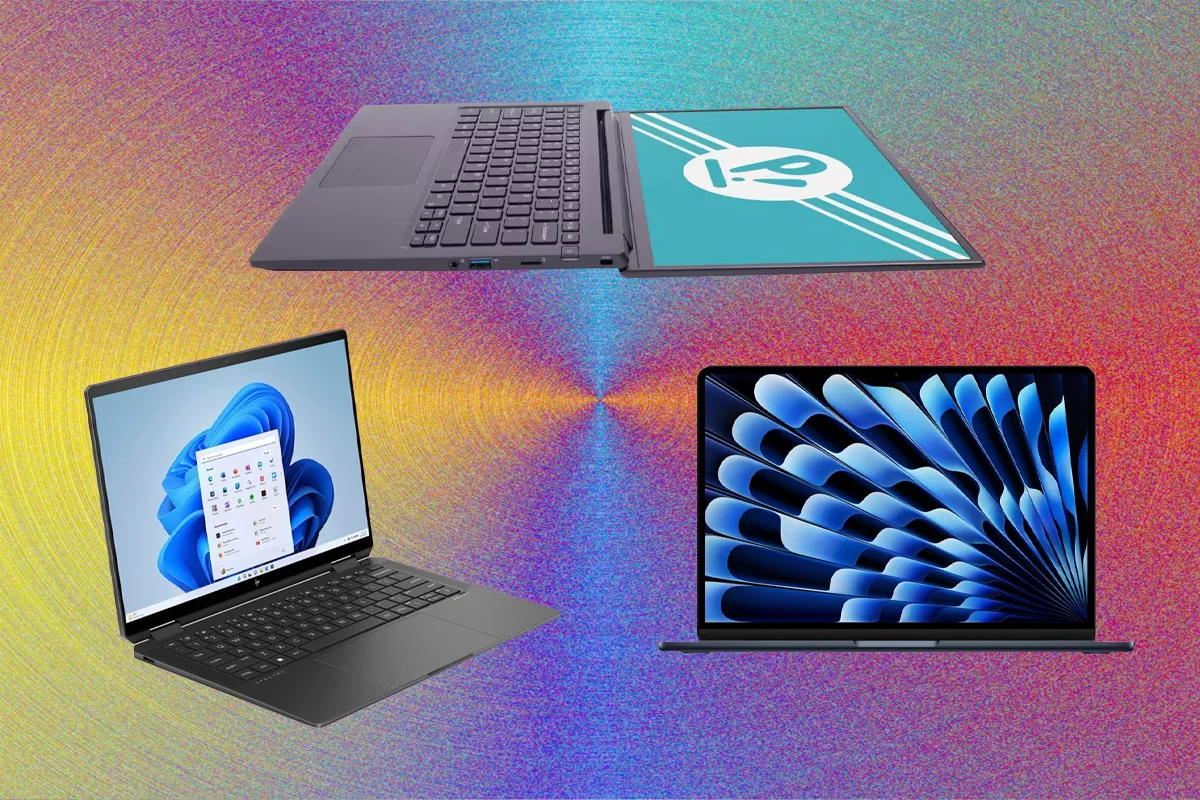
Laptop Buying Guide 2025: Specs That Actually Matter
27
Mar